
Ecommerce messaging works best when it follows an actual shopping event. A customer who is choosing a product needs different information from someone waiting for a delivery. Plan the store data, the timing and the response path together so each message helps the shopper move forward.
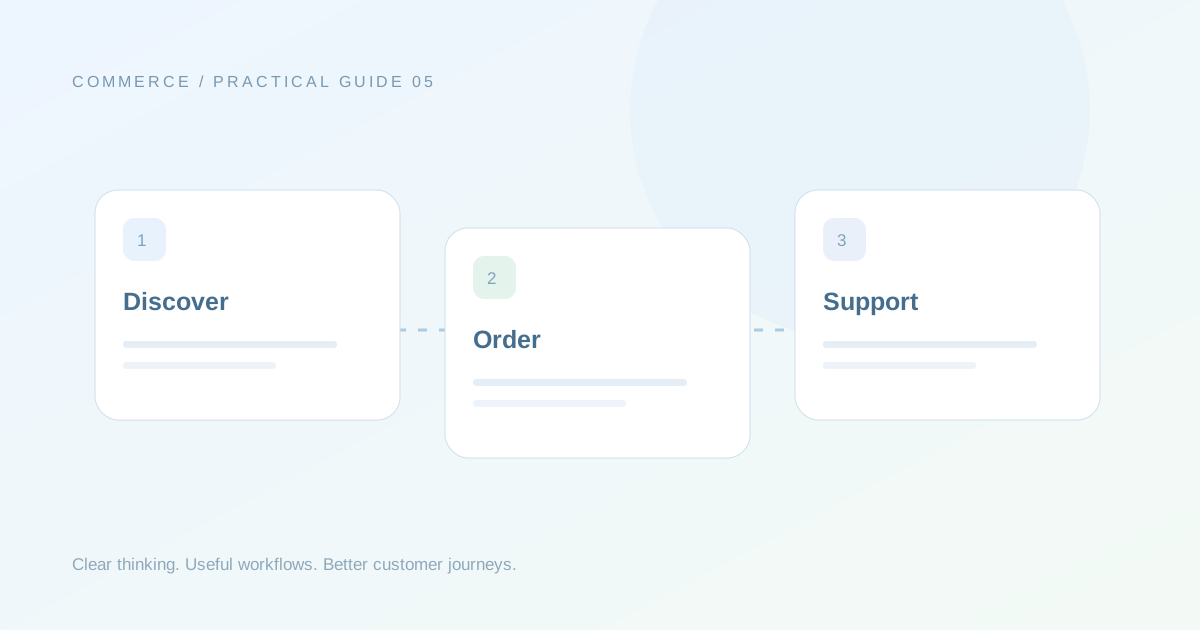
Separate discovery from fulfilment
Product discovery can use relevant categories, details and buying assistance. Fulfilment communication needs dependable order and shipment information. Keep those journeys distinct in your brief. A catalogue question should not assume an order exists, while a shipment update should not force the customer through a generic sales menu. Identify which system is the source of truth for each part of the journey.
Handle cart and COD choices carefully
For a cart follow-up, map the incomplete action, the useful reminder and the condition that ends the sequence. For COD confirmation, define what Confirm, Cancel and Need help do in the store workflow. Agree whether a response updates a field, adds a tag or triggers a reviewed action. Test duplicate events and delayed replies before turning on anything that changes an order.
Keep support connected after purchase
Include a route to order assistance with the relevant reference attached. Ask what happens if a customer replies to an old update, needs a different delivery address or has a product question. Your team should see the current situation rather than just the last outgoing message. Review the journey after real support conversations reveal what customers actually ask.
Your practical checklist
- Store event source confirmed.
- Order fields mapped.
- Cart stop rule documented.
- COD actions tested with sample orders.
- Delivery questions routed to support.