
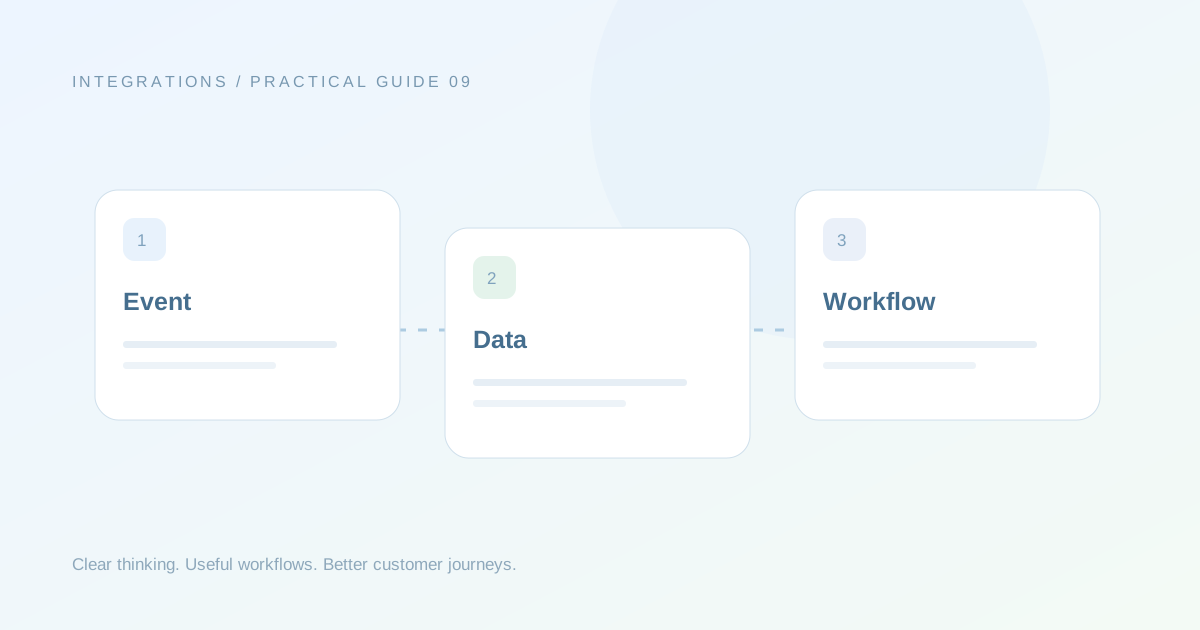
A useful integration connects a business event to the information and action that follow it. The difficult part is often not sending data; it is deciding which system owns it, what the team needs and how the workflow behaves when something changes.
Name the source of truth
List the systems involved and the records each one owns. The CRM may own lead stage, the store may own order status and the messaging workspace may own conversation assignment. Avoid updating the same field from several systems without a rule. Write down the unique identifier used to connect records. A phone number alone may not distinguish two orders or separate enquiries from one customer.
Map the event and the fields
Define what starts the integration: a new lead, a stage change, a submitted form or an order event. List the fields needed, their formats and whether they are required. Keep a sample payload in the project brief. Agree how duplicate events, missing values and late updates are handled. Confirm API access, permissions and any third-party costs before setup.
Test the exception path as carefully as the happy path
Ask what happens when a webhook arrives twice, the CRM rejects a field or a customer replies before the record is updated. Define retry and review ownership without creating duplicate customer messages. Keep a test record and a way to trace the event through the systems. The team needs to know how to identify an issue and continue the customer conversation.
Your practical checklist
- Source system and owner named.
- Trigger event documented.
- Unique record identifier agreed.
- Field mapping and sample payload prepared.
- Duplicate, missing-data and failure paths tested.