New enquiries
Connect potential customers with your sales team.

Welcome callers with a professional greeting, guide them through a simple menu and connect enquiries to the right team. Build a calling experience around your business hours, departments and follow-up process.
Discuss your IVR setup →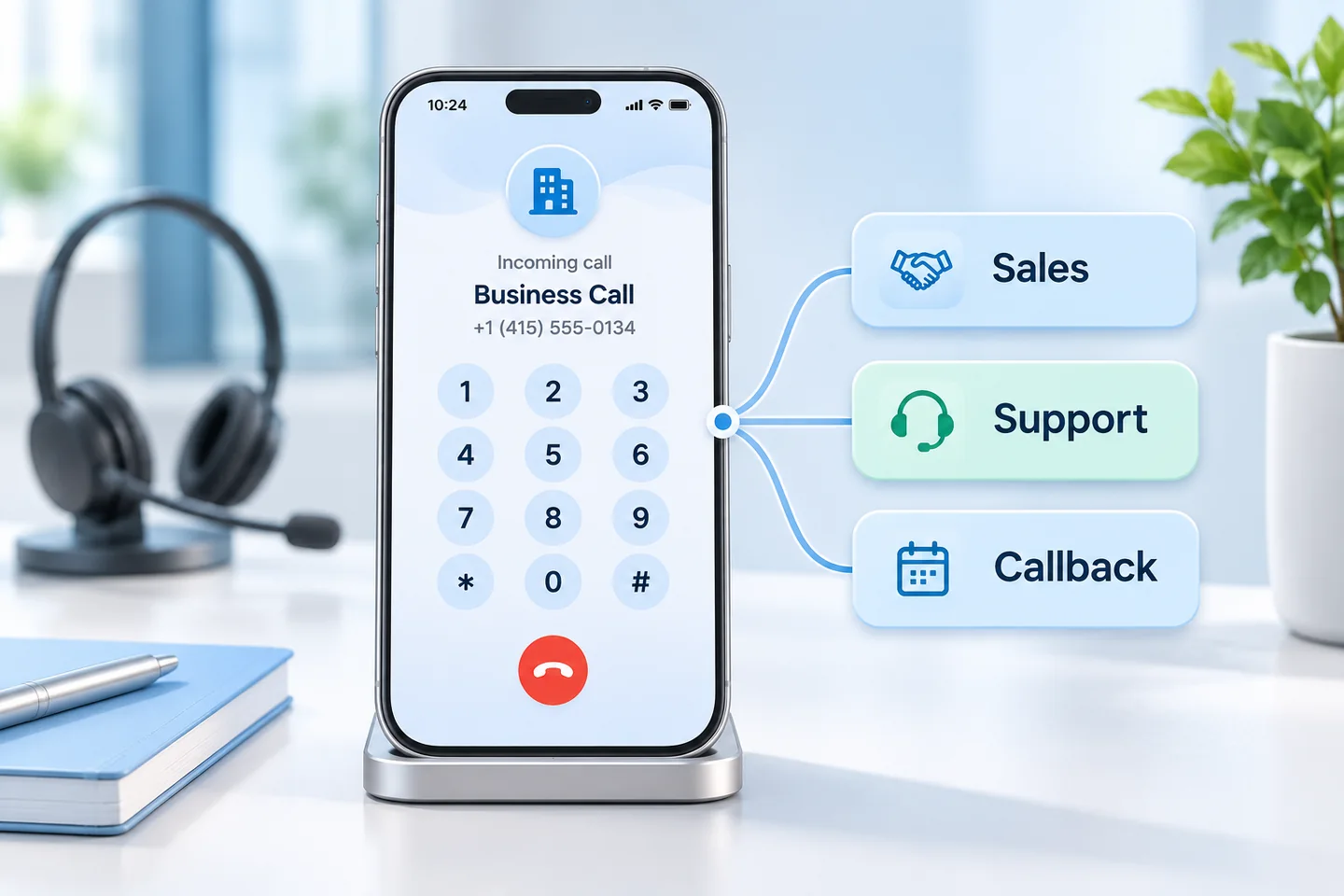
Illustrative workflowIncoming call → Keypad choice → Department routing
Connect potential customers with your sales team.
Route existing customers to the people who can help.
Capture a request for your team to follow up.
Introduce your business and guide callers through relevant departments with a simple keypad menu.
Define destinations for sales, support, admissions or service enquiries so callers reach the right team.
Set the caller journey for working hours, holidays and after-hours enquiries.
Agree how unanswered enquiries and callback requests reach your team for follow-up.
Discuss CRM records, notifications and WhatsApp follow-ups as part of your integration scope.
Get help mapping the menu, defining routing rules and testing the call journey before rollout.
Separate course enquiries, admissions assistance and student support.
Direct project enquiries, site-visit requests and existing-customer calls.
Route product questions, order assistance and service requests to the right destination.
Review your departments, call volumes, operating hours and team destinations.
Prepare greetings, menu choices, routing destinations and agreed integrations.
Check the caller experience and guide your team through the agreed setup.
No. IVR uses greetings and menu choices to route calls. AI voice automation supports conversational voice journeys. We can help identify the right approach for your use case.
Yes. We map your menu choices to agreed department destinations and availability rules during setup.
We review your current number, carrier and routing requirements before confirming the available setup options.
Pricing depends on the number setup, usage, routing needs and integrations. Contact our team for a proposal with platform, usage and implementation charges clearly separated.
Share your systems and follow-up process. We will confirm supported connections, consent requirements and implementation scope.
Tell us about your call volume, departments and routing requirements. We’ll help define your setup and pricing.