Website enquiry journeys
Offer a helpful starting point while a visitor explores your site.

Welcome visitors, answer practical questions and route useful enquiries with the right page context.
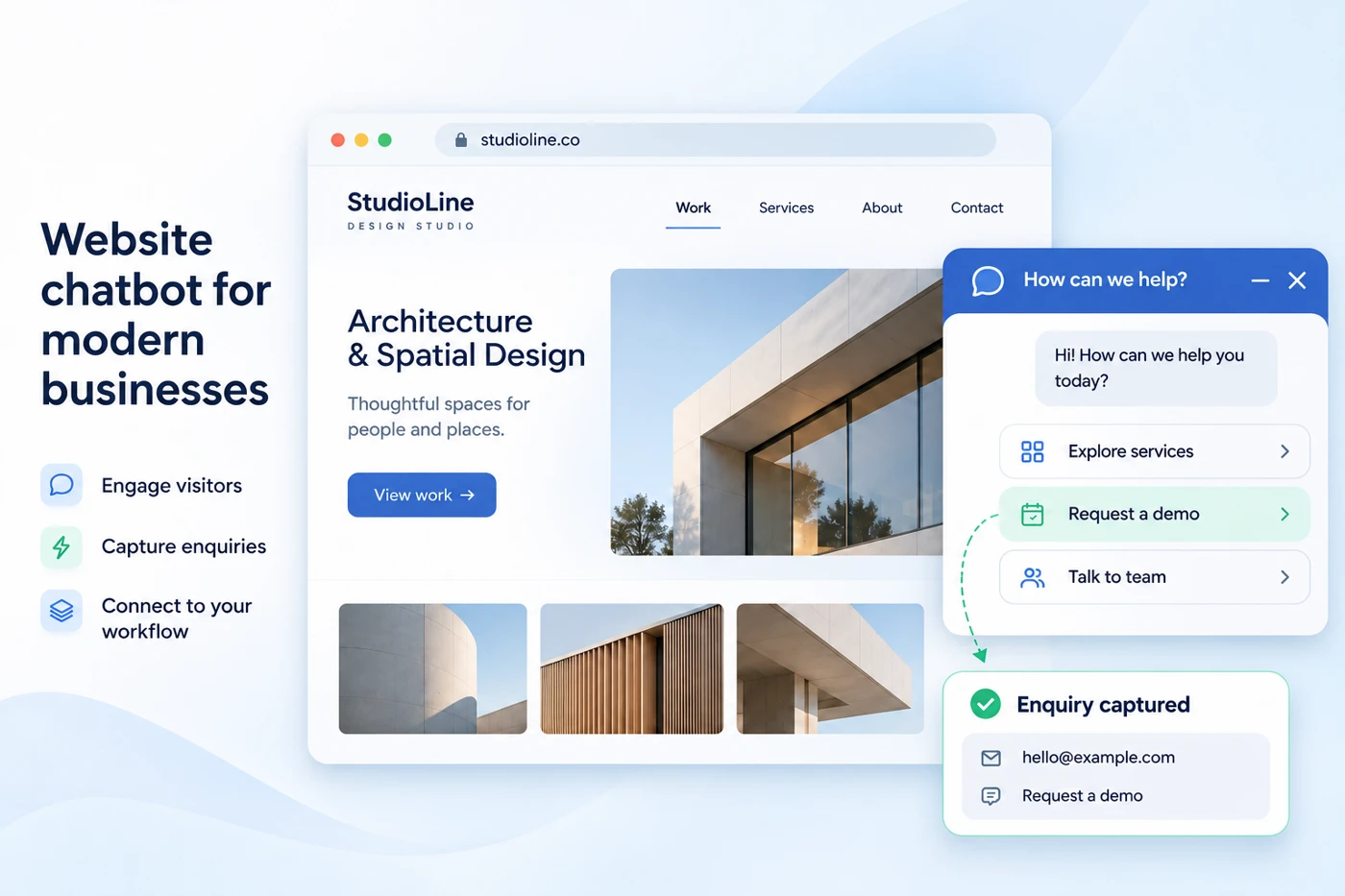
Offer a helpful starting point while a visitor explores your site.
Capture the service, intent or question behind the enquiry.
Give the visitor a clear route to the right person.
Choose a sample journey and try the preview. These examples illustrate a possible setup; they do not send messages.
Choose an action to explore the next step.
ILLUSTRATIVE PREVIEWOffer a helpful starting point while a visitor explores your site. Capture the service, intent or question behind the enquiry.
Offer a helpful starting point while a visitor explores your site.
Capture the service, intent or question behind the enquiry.
Give the visitor a clear route to the right person.
Relevant information.
One clear choice.
Choose the customer situation. See what starts the journey, how it works and where your team takes over.
“What can your team help with?”
Choose a service and we’ll guide the next step.
“Can I discuss a project?”
Tell us the service and timeline so the right person can respond.
“I need help with an existing request.”
Keep the request reference and support topic together.
A practical setup starts with the customer, the required information and the people who will run it.
Choose a service and we’ll guide the next step.
Review the source, required customer fields, channel permissions and the systems involved.
Test the useful path, an unclear request, a failed system action and the route to a person.
Agree who owns replies, follow-ups and changes. Review the live workflow as business needs evolve.
Service discovery: Choose a service and we’ll guide the next step. Agree the required information, next action and responsible team before extending the setup.
Website enquiry journeys, lead qualification and team handover shape the process. Review the account access and relevant customer context during scoping.
Tell us the service and timeline so the right person can respond. The intended next step is project brief preview ready. Confirm what reaches the team and who owns unresolved requests.
Review the website chatbot requirements, account eligibility, available integration method, communication permission and implementation scope. The agreed proposal defines inclusions.
Bring your goals and current tools. We’ll help you scope a practical setup.
Book a Demo→Share your use case, expected usage and integration needs. We’ll help define the scope and discuss the right pricing for your business.
What can your team help with?