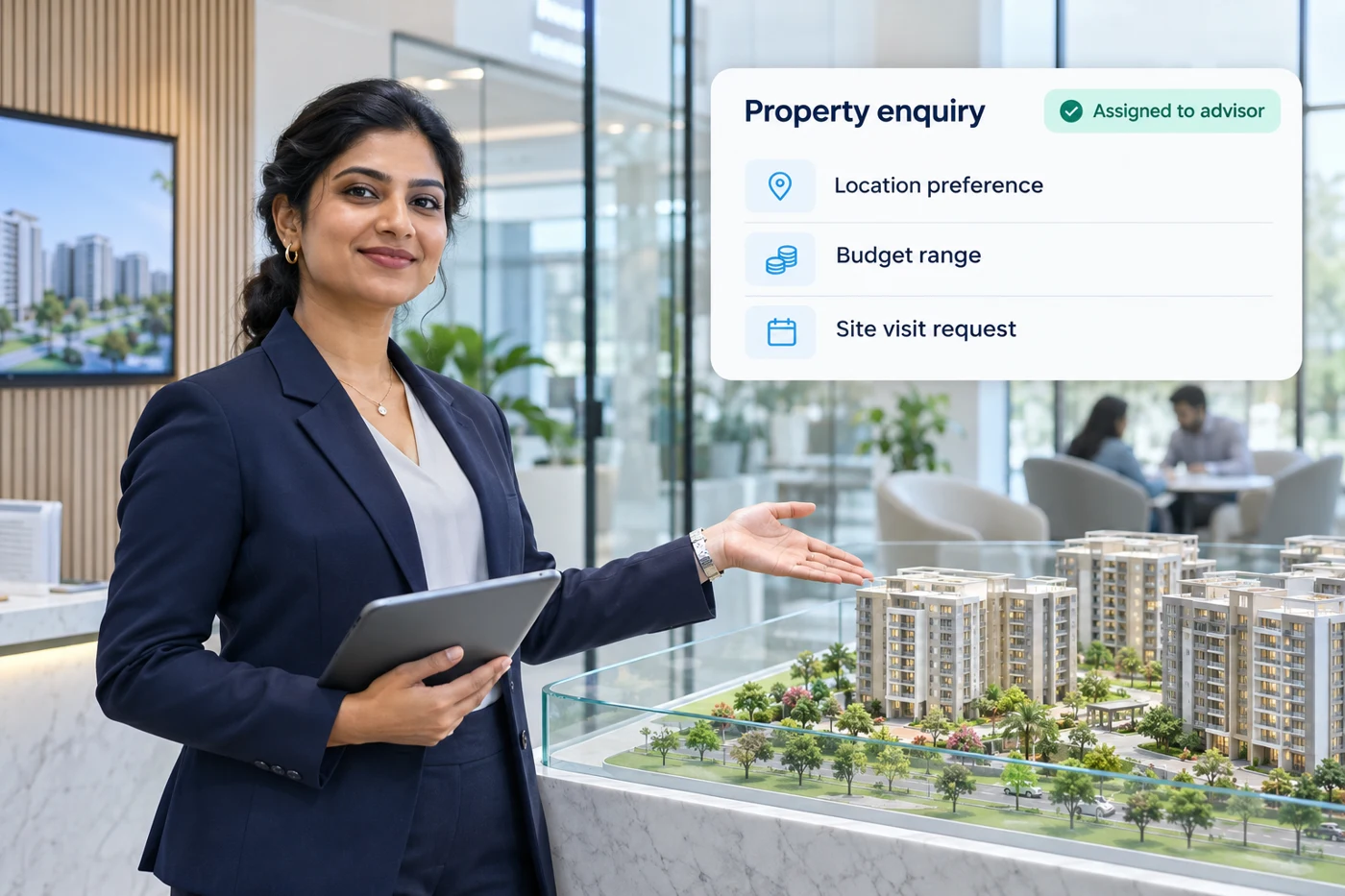
Home / Turn property interest into a site visit. Solutions / Real Estate WHATSAPP FOR REAL ESTATE Turn property interest into a site visit. Give every enquiry a useful response, the right property context and a clear next step.
EXPLORE YOUR WORKFLOWS
Every customer moment.A more useful next step. Choose a journey to see how the enquiry, information and team handover connect for real estate.
YOUR JOURNEY / IN FOCUS Qualify property enquiries Ask for location, budget, property type and buying timeline before routing the lead to your sales team.
New enquiry → Preferences → Lead tags → Sales owner
Explore the use case → SPECIFIC USE CASES
Built around realreal estate moments. USE CASE 01 Qualify property enquiries STARTS WHEN A portal or ad lead arrivesAsk for location, budget, property type and buying timeline before routing the lead to your sales team.
01 New enquiry02 Preferences03 Lead tags04 Sales ownerPlan this workflow → REAL ESTATE / 01 INTERACTIVE JOURNEY
STARTS WHEN
A portal or ad lead arrives 1 New enquiry2 Preferences3 Lead tags4 Sales owner
ILLUSTRATIVE REAL ESTATE WORKSPACE
Requirements in focus Property interest
Let’s find a space that fits. What would you like to explore?
Apartments Commercial spaces Talk to advisor
Choose a customer response to preview the next step.
USE CASE 02 Share relevant listings STARTS WHEN A buyer shares requirementsSend property details, brochures and location information that match the enquiry.
01 Buyer preferences02 Matching listing03 Details04 Follow-upPlan this workflow → REAL ESTATE / 02 INTERACTIVE JOURNEY
STARTS WHEN
A buyer shares requirements 1 Buyer preferences2 Matching listing3 Details4 Follow-up
ILLUSTRATIVE REAL ESTATE WORKSPACE
Requirements in focus Property interest
Here’s a property that may fit your requirements. What would you like next?
View brochure See location Ask a question
Choose a customer response to preview the next step.
USE CASE 03 Arrange a site visit STARTS WHEN A buyer wants to see a propertyCollect preferred slots and visitor details, then send the request to your advisor for confirmation.
01 Visit request02 Preferred slot03 Advisor confirmation04 ReminderPlan this workflow → REAL ESTATE / 03 INTERACTIVE JOURNEY
STARTS WHEN
A buyer wants to see a property 1 Visit request2 Preferred slot3 Advisor confirmation4 Reminder
ILLUSTRATIVE REAL ESTATE WORKSPACE
Requirements in focus Property interest
Ready to take a closer look? Let’s arrange your visit.
Request visit Change preference Contact advisor
Choose a customer response to preview the next step.
USE CASE 04 Keep the sales conversation warm STARTS WHEN A prospect needs more timeUse enquiry context for useful follow-ups, with a clear owner and an easy way to update preferences.
01 Lead stage02 Relevant follow-up03 Updated preferencesPlan this workflow → REAL ESTATE / 04 INTERACTIVE JOURNEY
STARTS WHEN
A prospect needs more time 1 Lead stage2 Relevant follow-up3 Updated preferences
ILLUSTRATIVE REAL ESTATE WORKSPACE
Requirements in focus Property interest
Would you like us to share more options matching your preferences?
More options Request callback No thanks
Choose a customer response to preview the next step.
IN YOUR EVERYDAY WORKFLOW Keep the service experience connected. Bring real estate enquiries, useful information and the right team together. Scope your content, systems and handover process before launch.
Qualify property enquiries Share relevant listings Arrange a site visit
Talk Through Your Use Case→ QUESTIONS, ANSWERED
A little clarity on How do we get started with Real Estate workflows?+ Start with a walkthrough of your use case. We map the workflow, review the systems involved and agree the implementation scope before setup.
Can this connect to our existing tools?+ We assess supported connectors, APIs and webhooks for your systems. Access requirements, third-party costs and implementation details are confirmed in your proposal.
What happens when a customer needs a person?+ Your workflow can include a clear route to the relevant team, with the enquiry details and customer context captured for handover.
Is every capability included in every plan?+ No. Channel eligibility, feature availability and implementation scope depend on the selected setup. Your proposal identifies the agreed inclusions and costs.
WAPPX / BUILT AROUND YOUR BUSINESS Let’s map your real estate journey. Bring your use case. We’ll help you map the next step.
Book a Demo→