
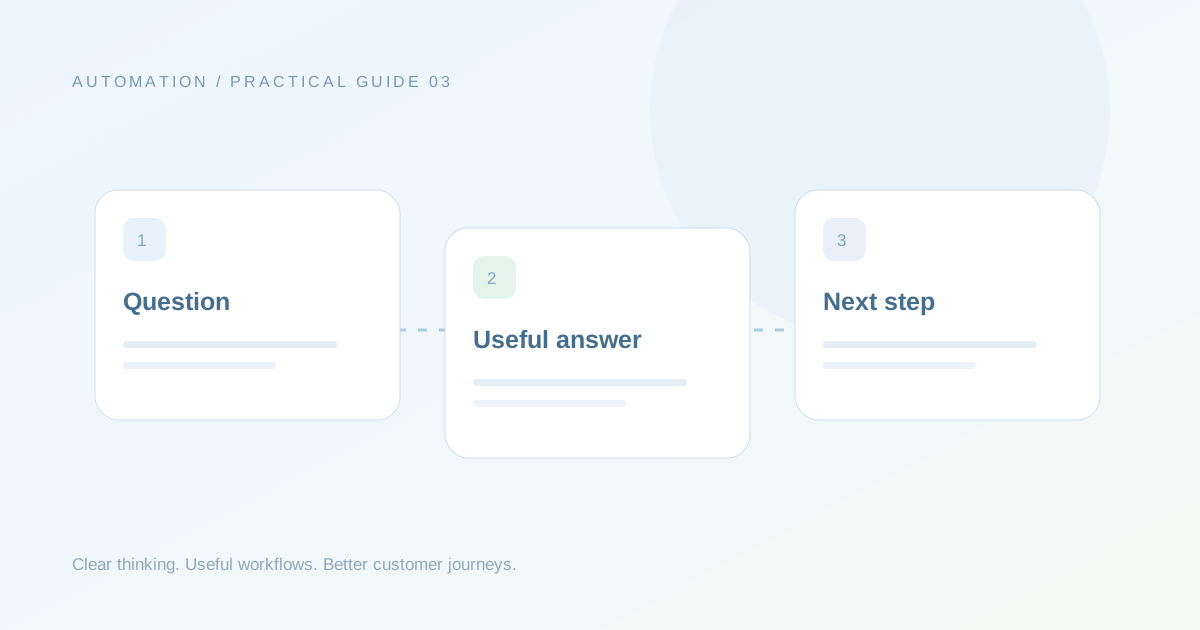
A useful chatbot reduces the work a customer must do to get help. It should understand the purpose of the enquiry, ask only useful questions and provide a clear next step. Start with a journey map and test conversations before polishing every line of copy.
Map the outcome before the menu
Choose the result you want the journey to support: a qualified enquiry, a complete appointment request or an answer to a recurring question. Work backwards to the details needed for that result. A service enquiry may require a service type and a timeline, while an order question needs an order reference and the problem. Avoid collecting the same fields for unrelated situations.
Keep each choice meaningful
Buttons and lists should reflect the customer’s intent. “Product information”, “Order help” and “Talk to the team” are easier to understand than internal department names. Use short prompts, explain why a detail is needed and confirm important choices. Give the customer a way to change direction. A technically complete flow can still fail if its language assumes the visitor already knows your process.
Test the handover and the unexpected
Try a normal request, an incomplete answer, a change of mind and a request that needs a person. Confirm what the receiving team sees. A useful handover includes the original question, collected details and the reason for escalation. Keep a small test log with the scenario, expected outcome and what actually happened. Improve the unclear steps before adding more branches.
Your practical checklist
- Define a useful outcome.
- Ask only relevant questions.
- Write clear button labels.
- Include a route to a person.
- Test incomplete and unexpected replies.